
Prophet
Docking
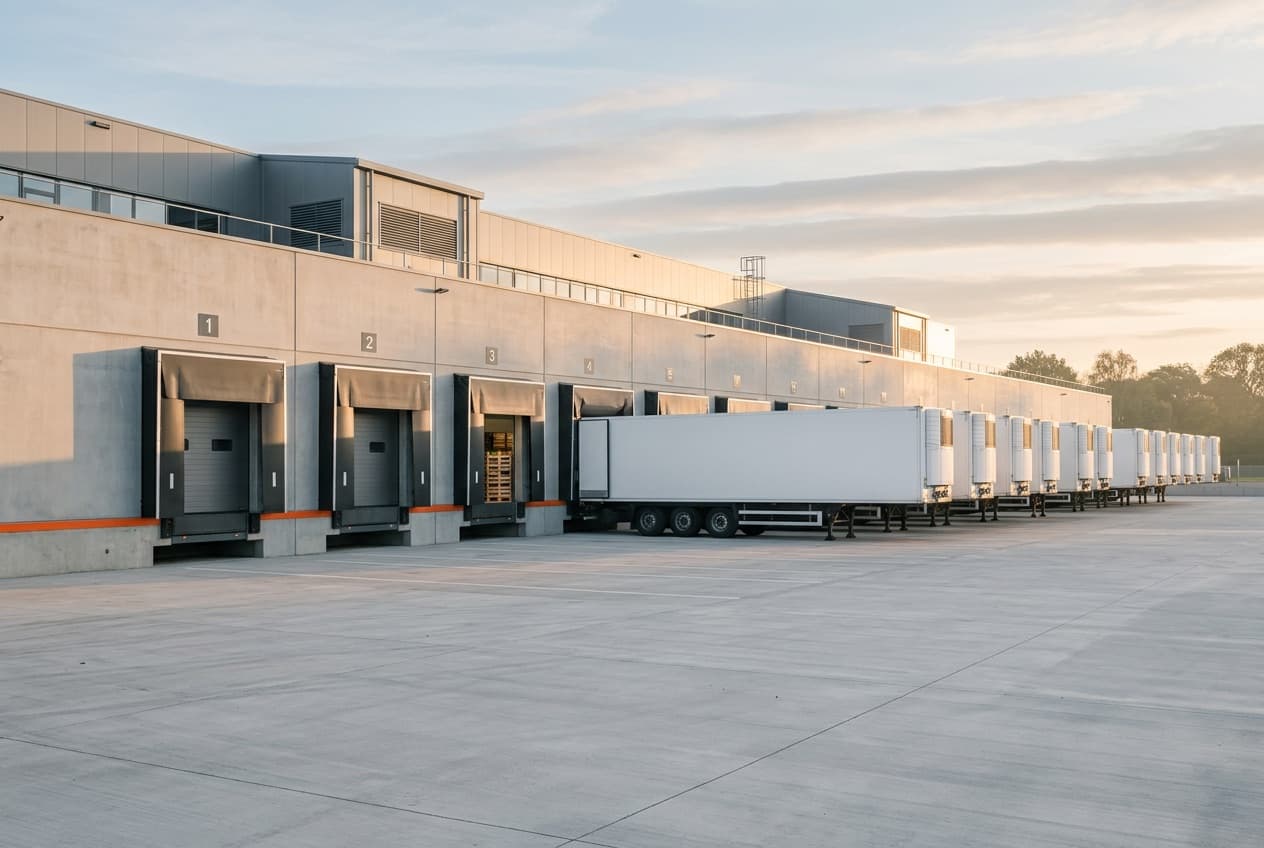

Dock scheduling for warehouses that run Prophet ERP.
Drivers check in with a load number and a QR pass, no app and no account.
One load, four moments
First it lands here, straight from Prophet.
Then someone drags it onto a door.
Then the driver scans in at the gate.
Then it’s loaded, and Prophet already knows.
Today on the board
Tap a row to open it. One order has no door yet: give it one, and watch what the product does next.
Swift Transportation · Maria Delgado · no door
Pulled from Prophet at 13:20. No door yet. Driver: Maria Delgado.
Put it on a door:
Built for the yard
from an order keyed in Prophet to a load on the board.
- Driver looks up the load.
- Checks in, walk-in or not.
- Gets a QR gate pass.
- Gets texted the door.

Texts in English or Spanish, answered by an agent your staff approve.
A door Prophet doesn’t list can’t be booked, and a time it rejects shows on the board.
Sign in to your dock board
Prophet Docking is set up by your Prophet account manager: one host per company, one board per site. Not on Prophet Docking yet? Ask them.